
Our FASHION and CULTURE impressions shared with you!
14 Ways to grow your Instagram Engagement + Impact
Hello Design Land NYC readers,
Are you thinking of building an online presence for your new business? Are you experiencing a plateau on your Instagram reach? Are you contemplating whether to create a professional account for your brand? We are here to help! In this post we will reveal our top most effective tips and tricks to grow your Instagram following organically.
Before you start building an online presence on Instagram, it is important that you set your long term goals, recognize your target audience and define your overall digital marketing strategy. Analyze why you are creating an Instagram account and what do you want to gain from this, whether that would be traffic to your website, increased sales, introduce your new brand to a targeted local audience, etc. Understand who you are speaking to, and what demographic and pychographics will relate to your content. Once you have clear end goals, you can create a structured plan for utilizing social media as a tool to leverage your business.

Image via Brandwatch
High Quality content | content is king, it’s the medium you use to tell your story and sell your business.
Creating and posting high quality content is the most important aspect! After all, that is the reason you are being followed. Create a cohesive organic aesthetic with the images you post, and post consistently. Every post should be strategically crafted to encourage engagement, resharing and appear aspirational. It is important to share content that moves people to comment, save, share, and like to appear on the top your follower’s feeds, instead of only appearing to a small percentage of your followers. If you generate engagement through your posts, Instagram’s algorithm will begin suggesting your page to users that are not following you yet, but are following similar accounts to yours. With a very high rate of engagement, you may be featured on the explore page, which gives your account great exposure to potential followers! Do not forget to test out different posting times, consider when your audience is most active on Instagram and use this time window to generate the most engagement and reactions.
Optimize your profile description | Clarify + simplify
Keep your social media handles consistent throughout different platforms, so that users can easily find you. When detailing your Instagram profile description, utilize keywords that best represent your brand or business. You can add a specific word to your industry in the name slot. When users search for this specific keyword, your profile will appear in the results, making it effortless to find your account. Other elements to include in your bio is your website link, 150 character description to create a clear picture of your brand’s identity and what your followers can expect from your future posts.

Hashtags | Max 30 on IG | Max 15 on FB
Use Hashtags in all of your posts! Conduct proper research and test out different hashtags that best reach your brand’s target audience, and create brand-specific hashtags that are easily searchable. You can use up to 30 hashtags in your captions box and make sure to use the ones that generate consistent reach, engagement, and help build a community around your brand. Searchable hashtags are necessary to guide people to your account!
Always add location | It helps the algorithm
Do not forget to add your location on posts! Similar to searchable hashtags, users can search through location, and they will discover your account’s content. Be as specific, or general as you like, keeping in mind the local audience you want to reach out to and the potential followers that make up this demographic.
Pin the most important comments | IG new feature
When you are getting a great amount of engagement on your posts, and see the need to sort through numerous comments you are receiving, you can choose to pin comments that generate a lot of engagement from other users, or are simply offering useful information for other followers to see. If your caption is too long on a given post, you can extend the description to the first few comments and pin them, keeping the caption extension always on top. If there is a frequently asked question among the comments, and you have already answered, you can pin that comment to help limit confusion among your followers.

Meaningful captions that provoke action | A La Mode
Write a story in your captions. We are all familiar with the concept that people love stories, and are much more likely to engage with a post that narrates a story, compared to one that is solely descriptive of the presented visual. If you are posting about your work, reflect on how the concept evolved to turn into the resulted product, what thinking went behind it and how it relates to your on a personal level. Captions are great for revealing the human element of your brand and connecting through your thoughts with your audience. Perhaps you want to evoke a pleasant memory, a moment of the past, a taste for the future. Whatever it is that goes behind your image, the caption box is a great place to write about it. When you capture your follower’s attention through you long captions, they tend to spend more time on your post and signal Instagram that they are reacting to your content. This helps your account, as Instagram’s algorithm will show your content more often and to a wider audience.
If you do not have a story for every post, you can also utilize statements that provoke action, such as asking curious questions, or inquiring for certain recommendations. People love engaging with meaningful posts, so attempt to share more than only visuals.
Promote your brand throughout different platforms | Have a full social media presence
The purpose of having an online presence is to make it easy for people to find you. Maintaining a visual representation of your brand on Instagram should be simultaneous with your brand’s other social media outlets. Share your Instagram posts on your Facebook page, Pinterest profile. Create a Twitter and Youtube account to expand your creative mediums and be consistent in the type of posting theme you follow and always include links to redirect to your official website.
If you are also managing your brand’s blog, you can choose to embed your Instagram posts. This way, they are clickable images that direct users to your profile driving traffic to your Instagram account.
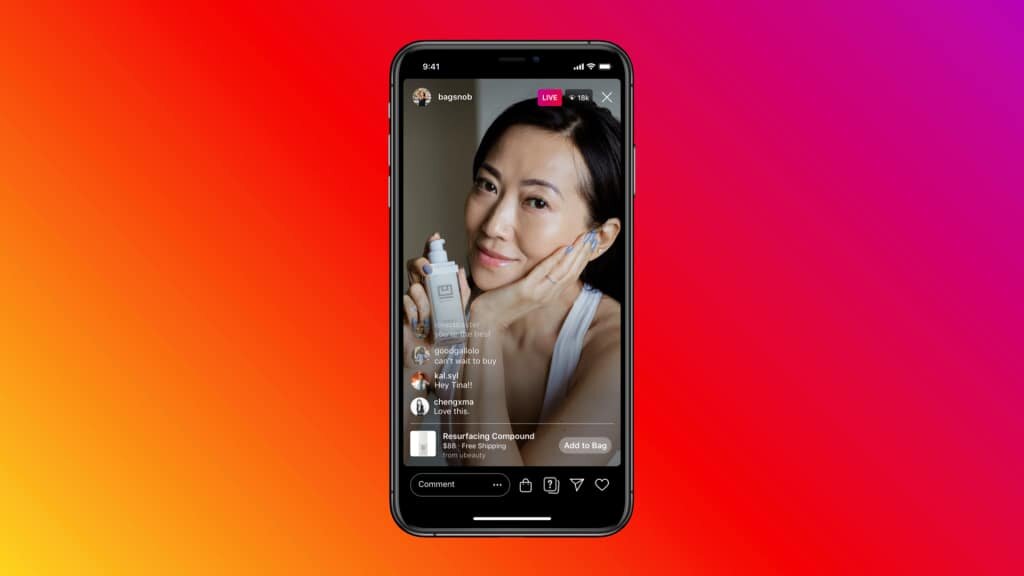
Image via Hootsuite Blog
Foster Collaborations | explore & promote with others
Do not be intimidated to reach out to brands and other similar accounts to find out about collaboration opportunities. Connect with influencers and brands in your industry to create ways to work together. By connecting with other professionals online you can organize Instagram Live sessions, you can arrange Q&A videos featuring your followers and share each other’s content. This way you are exposed to a whole new range of users, and will receive more active engagement.
Use stories consistently | Show your personality & daily things that you do!
Stay active on your stories and your profile will be better favored by Instagram’s algorithm and reach a higher number of active users. By being active on your stories daily, you will be placed higher up on your follower’s feed. You can share your recent posts, generate engagement, use interactive filters, organize polls, ask questions and create conversations to keep your followers interested and have them spend more time glancing at your content. The more time users spend watching your stories, the more frequently your stories will be featured in the first visible slots of stories that appear on top of your user’s feed. Make sure to add hashtags, provide specific locations and tag people involved in your posts. All these elements will be useful in driving traffic to your stories and consequently profile.

Image via Yrcharisma
Organize your highlights | for a quick preview
Story Highlights are a great way to provide useful information on your brand, your work, and offer a peek on specific processes, as well as feature frequently asked questions. Organize your highlights and use a consistent color theme on your cover image.
Make use of Instagram Reels | It can go viral and it’s exposed to many people
This moderately new feature on Instagram, has enabled users to reach a much wider audience than what they reach through instagram stories and feed posts. Reels have a higher chance of being featured on the Explore page and receive a great deal of engagement. Reels are short format videos, which make it easy to capture potential follower’s attention, and create quick entertaining videos.

Share your process | People want to learn + get inspired from you so share how you think and do things
Document your work, every step of the way, keeping track of your process and collecting your thoughts. Take pictures, shoot videos, keep notes and note every element that goes into your work. This way, at the end of the day you can pick material to show on your account that best reflects your day and brand, and contains useful educational information for your audience. Sharing steps in your process, certain techniques and other elements that are unique to your brand, can help build a community of people who share these same interests and will connect with your brand immediately.
Organize giveaways and challenges | Create a buzz and with that buzz will come Engagement
After you have been sharing content consistently, and reached certain milestones it will be time to organize giveaways and challenges for your followers. These are great ways to increase brand awareness, grow your influence and reach. During giveaways, you can encourage your followers to share your content, tag you in theirs, and spread the word about your brand; it is easily the most efficient way to gain new followers. Join in challenges that are going viral in your industry. Look out for new trends of posts and content, and add your own twist.
Go Live | Invite other users to join in your Live sessions
It can be daunting to utilize the Live feature on Instagram at first, but it is very useful in expanding your audience! You can go live for a number of occasions, namely to show your work process, launch a new product or service, interact with your followers, and collaborate with another Instagram user. When you invite another user to go Live with you, you can organize a collaboration opportunity, and expose your profile to each-other’s followers. It is a great way to interact with fellow Instagram users in your industry, and share your expertise with your followers.

These were our 14 tactics to grow your Instagram following and build a successful brand social media presence. We hope you will be using some of these tips and let us know how well they work for you by tagging us @designlandnyc!
XOXO Lori / Design Land NYC

Freelance Designer Starter Pack: Tools and Resources
When starting out as an independent designer, especially in the Fashion industry, it can be overwhelming to choose among the many tools and expertise provided online. In this post, we will be listing our Top Design Tools that assist us in all projects, some more popular than others and followed by alternative options. Keep on reading for an additional list of free resources to inspire, motivate and to help you easily navigate through your projects.

Image via Pexels
Vector Design
This powerful piece of software is our most utilized vector design tool, perfect for logo design, fashion technical flats and floats, pattern and print making, as well as icon and art mock-up. Let’s say that at Design Land NYC, we prefer Adobe Illustrator to Microsoft Word, but that’s only because we are more visual than we are wordy! :). As of recently, this software just became available for iPads, so guess what we will be playing with lately? Adobe Illustrator APP for iPad
Pixel Design
Our second most used software of Adobe Creative Cloud, Photoshop is great for photo editing, pixel art creation, Fashion CAD illustrations, collages, and so much more, giving you absolute freedom to create just about any image combination you like. You can utilize this app for image manipulations, layout and with the help of an external tablet, you can create elaborate multi-layered artwork. There are many free available brushes that are built into the app, and many others you can find on free brush databases like Designious.
Alternatively, you can utilize PIXLR and Gimp as free versions of this photo editing software. PIXLR can be accessed and used directly on your browser, providing numerous in-site tools to add onto your design projects. Similar to PIXLR, Gimp is another free image editor app, which can be downloaded and works in most operating systems. Gimp is similar to Photoshop in its format, photo manipulation tools and useful artwork creation.
This app is made for freeform art on your IOS devices, and it is best when utilized on IPad Pro. Procreate can be used for a myriad of artwork shapes, from Lettering, to elaborate Illustrations and Photo Collages. Now, you can have Procreate Pocket on your iPhone, and enjoy its powerful illustration tools specifically made for the iPhone.

Image via Procreate
Fonts
Fonts certainly come into use in many projects, and they are crucial in setting your tone and mood when compiling content. Our favorite font databases, where you can download free fonts or acquire customized fonts for your preferences are: Dafont, Fontfabric, Google Fonts and the subscription base service Adobe Fonts.

Adobe Fonts
Templates:
Our to-go site for templates, layout inspiration and visual formatting is undoubtedly Canva. This template database contains professional designs for Social Media content, Website layouts, Logos, Presentations, Infographics, Newsletters, Cards, Brochures and so much more. Aside from using and downloading templates, Canva can also serve as a catalyst for your original creative ideas.
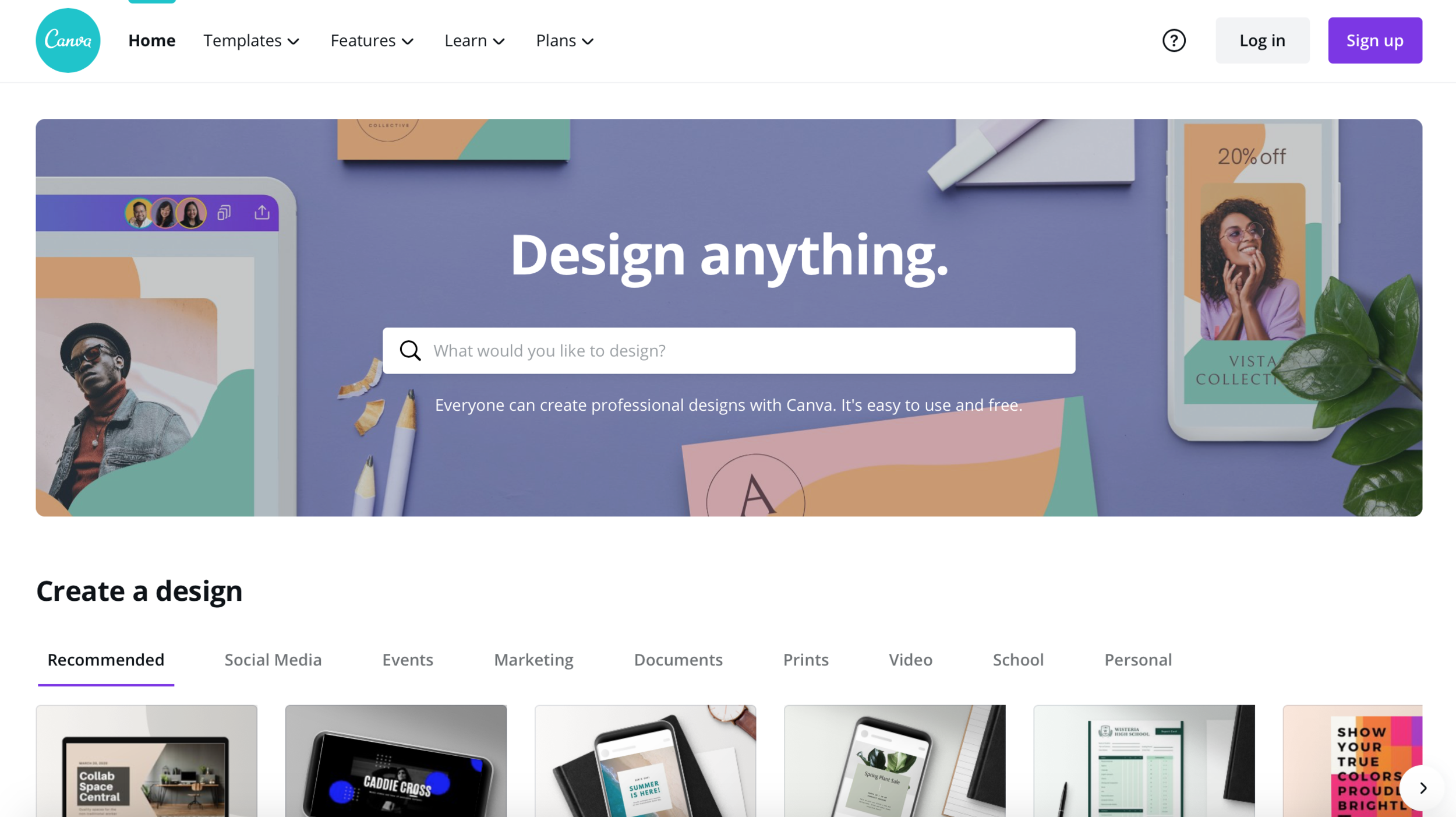
Image via Canva
Free Photos and Illustrations
For design work that does not require original illustrations, but can be executed acquiring stock images some of the top free image resources are the following websites:
One of the most used image websites that can be utilized for graphic manipulation is Flickr. It is also a great site to refer to regarding photo editing ideas and composition.
Similar to Flickr, Unsplash is another source of images, available for personal and commercial use, you can choose from a variety of themes and subject matter. Feel free to download the app for easy mobile use and check out the site’s blog for more tips and resources.
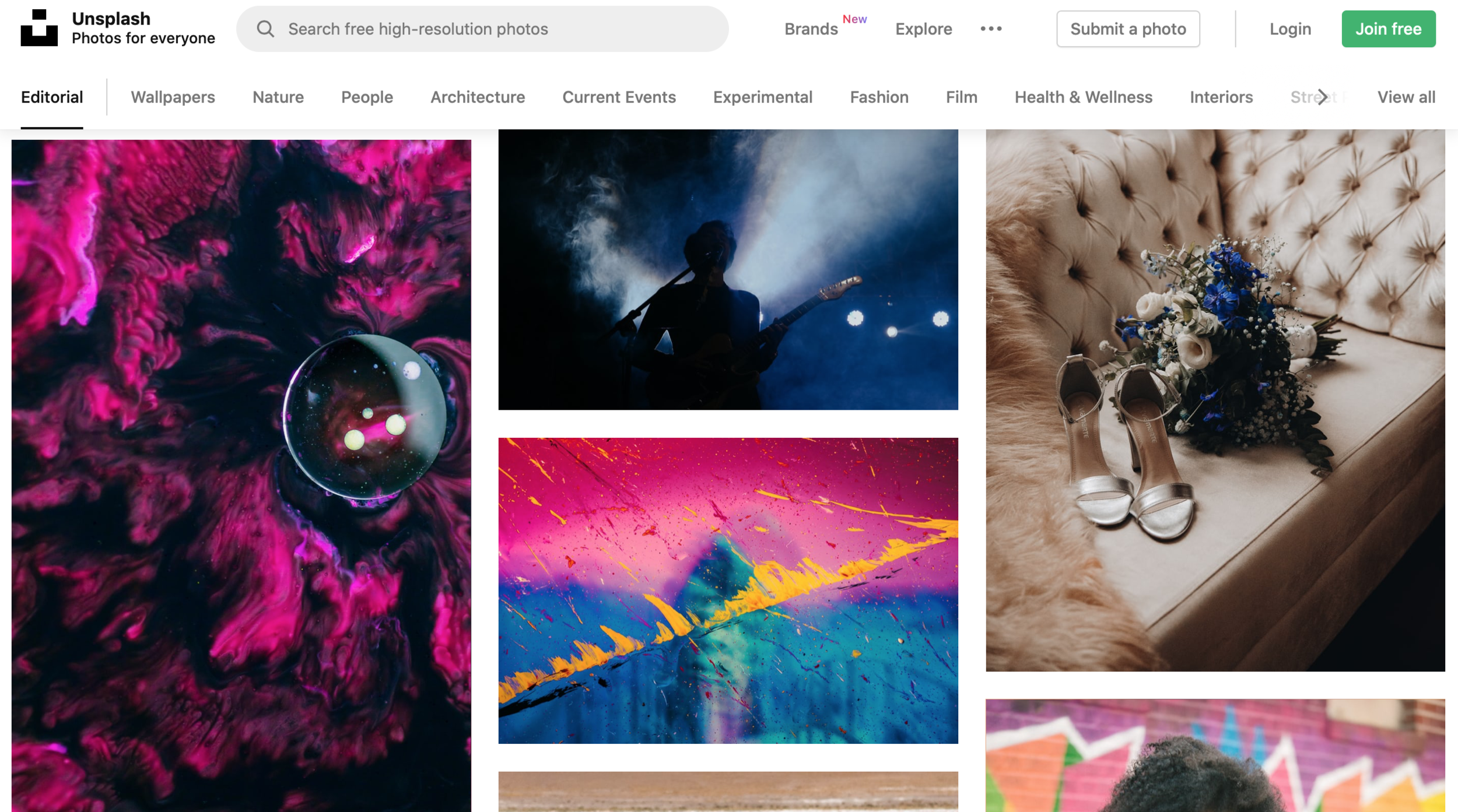
Image vie Unsplash Editorial
Another great free stock photo and video source that can be utilized for manipulations, content creation and various projects is Pexels. You can also contribute to the image database by becoming part of the community and creating your own photography boards.
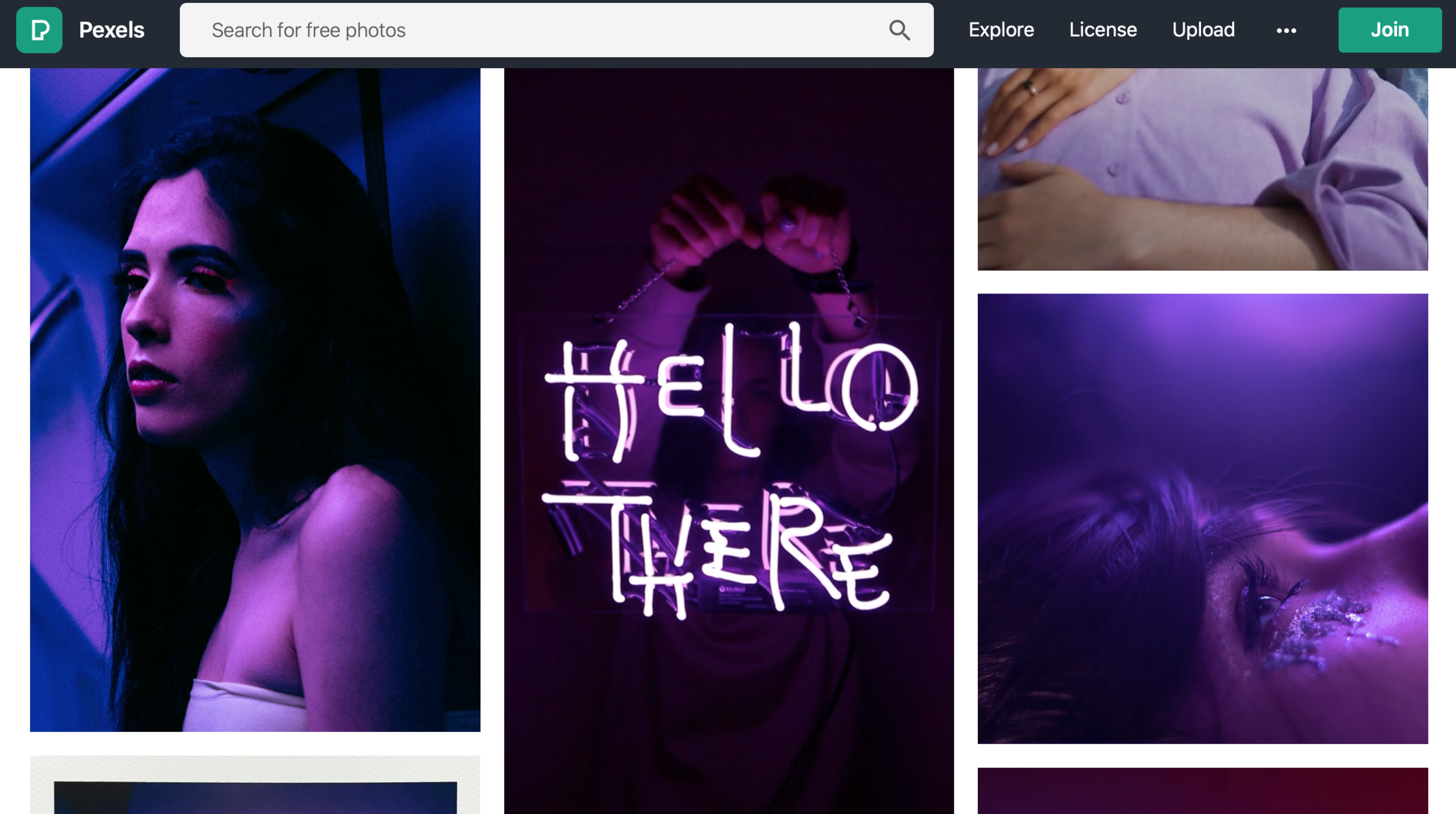
Image via Pexels
In contrast to the previous free image resources, Humaaans is a site that offers a great range of free human illustrations, with interchangeable outfits and styles to fit the design’s theme.

Image via Humaaans
Background and texture
Aside from free image sources for your design manipulations, you may need to acquire background images and texture patterns. The following websites are our top two to find one of a kind background options and texture:
Simple, clean and easy to use, Subtle Patterns is dominated by free Geometric Pattern Prints that can be effortlessly modified to fit your intended work. You may also submit your own patterns into the website’s library and such contribute to common resources for other creators like you.
Lost and Taken is a unique image library, where you can get a hold of special realistic texture paper, old, vintage backgrounds, high quality tactile material textures, high resolution painted surfaces, etc. This website is a solid background resource and can be easily inserted in multiple projects. Whether you want a new background for your digital illustrations, a realistic vintage print on your brochure, or a fascinating texture on your website’s home page, this is the website to go to!
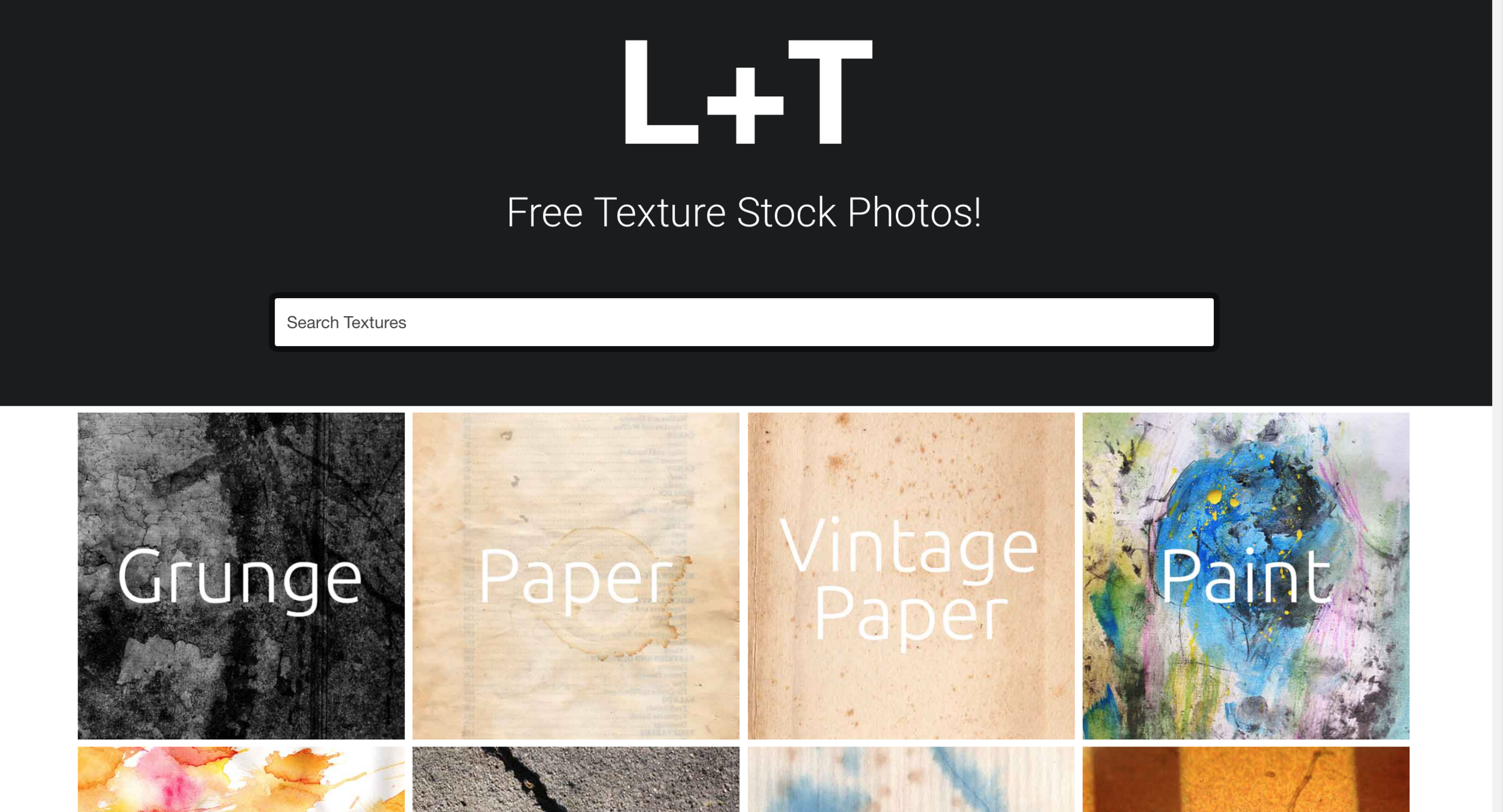
Image via Lost and Taken
Information and online classes
Most importantly, make sure to constantly improve upon your skills by enrolling in classes and acquiring new information on your area of interest. These are our top sites for free informative classes:
Skillshare has a wonderful selection of content creation, graphic design, digital marketing, branding and social media management and other skill-specific classes. You can sharpen your Adobe Illustrator or Photoshop practical knowledge and build authority on topics that relate to your chosen design career path.
Another similar free course-offering website is Coursera. Over 200 universities have collaborated with this site in tailoring many online programs to help you succeed in your selected and desired skills.
The last resource for classes and training that we will share is EdX. On this website, universities share their free and paid online programs, many of which are valid for school credit. While these classes are mostly linked with their corresponding college programs, EdX offers other self-paced classes that you can take for self-development requiring no payment or certificate.
We agree that tools are important in delivering quality work, but practicing and nurturing skills is by far the wisest investment in your career. This list was curated to help you in your own independent learning ride, and we wish it was helpful in providing some resources that you have not encountered yet and has served as an incentive to stay motivated.
In any case, you can always contact us with Graphic, Website and Fashion Design requests here, check out our services here, and we will get back to you shortly.
As always, we wish you are all safe and healthy! Sending joy your way,
Xoxo Lori / Design Land NYC